


Your first Accessories Try-On
Choose a model, add an accessory and check how it sits in the look.
Before you start
- A model photo you have permission to edit and use.
- A clear photo of the accessory, with its shape and details visible.
Choose your model
Open Accessories Try-On and choose a Nocta model, a saved model or your own permitted photo.
- Make sure the area where the accessory will sit is visible.
- For eyewear, choose a clear face; for a bag, keep the hand and body area easy to see.
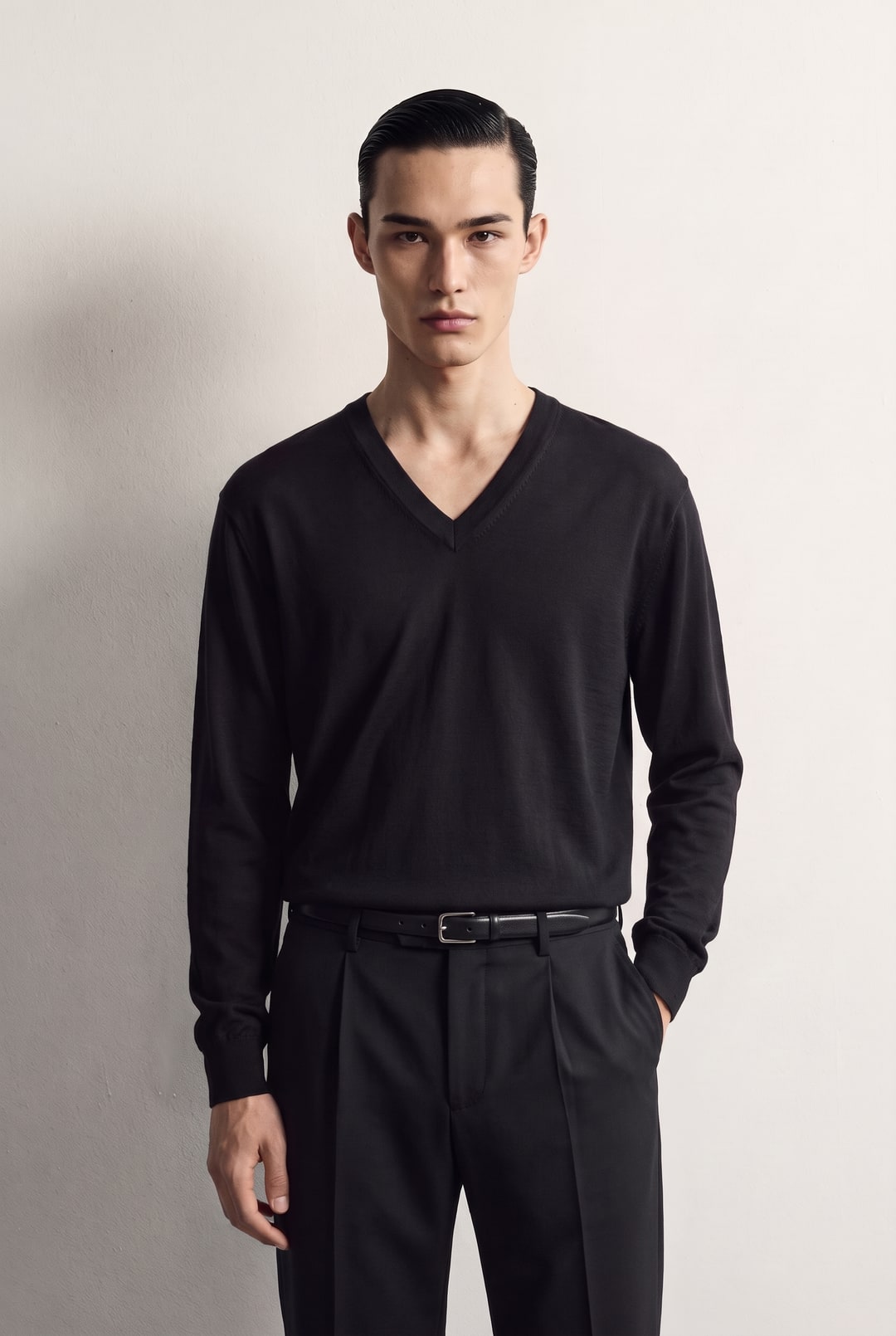
Example source: the black outfit before adding accessories. Add your accessory
Add your first accessory, then use Add for another piece.
- Add a clear reference photo, or choose from the Catalogue available to your plan.
- You can add up to four accessories. Avoid items that cover the same area.
- Very small details in glasses, jewellery, watches or logos may vary.
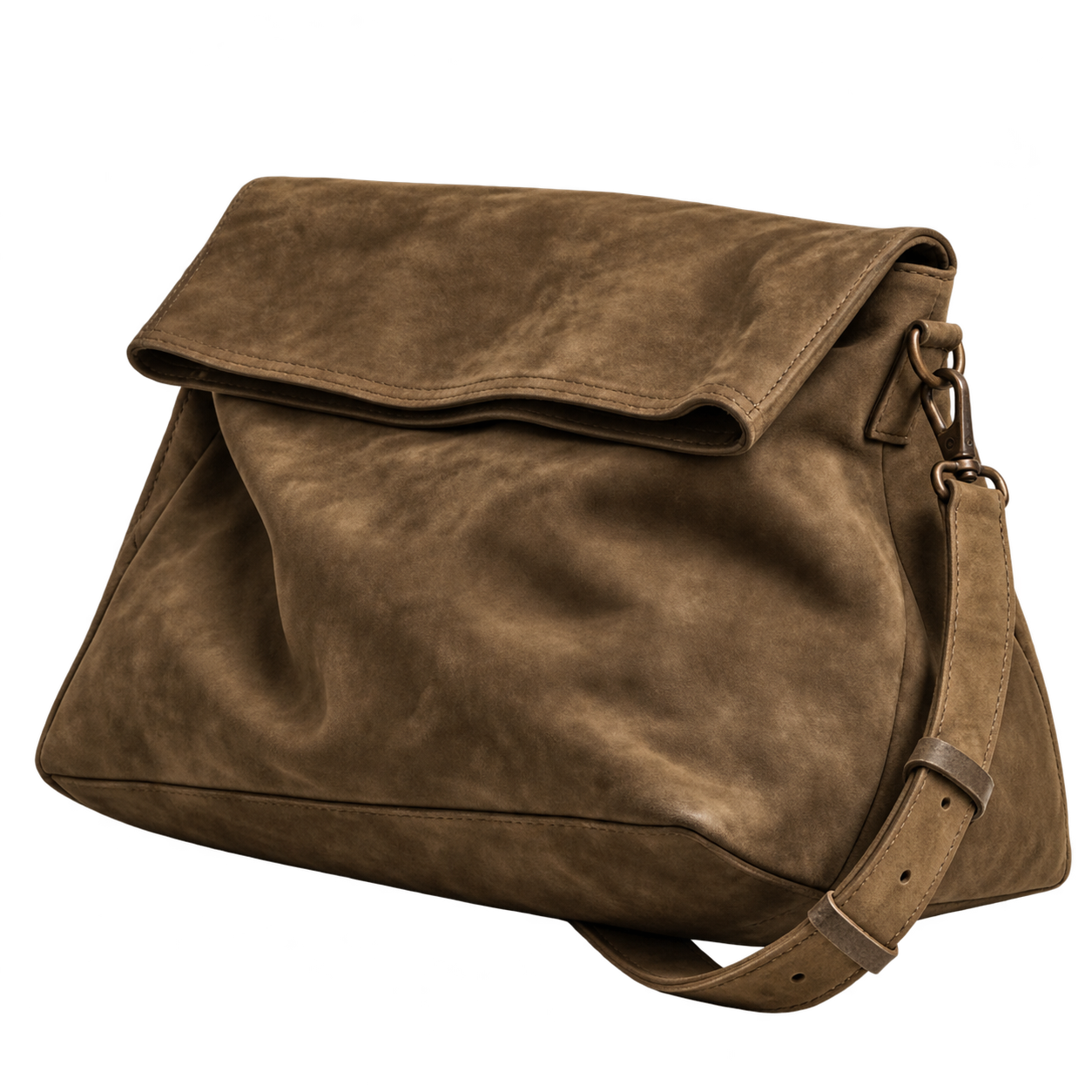 Nubuck bag
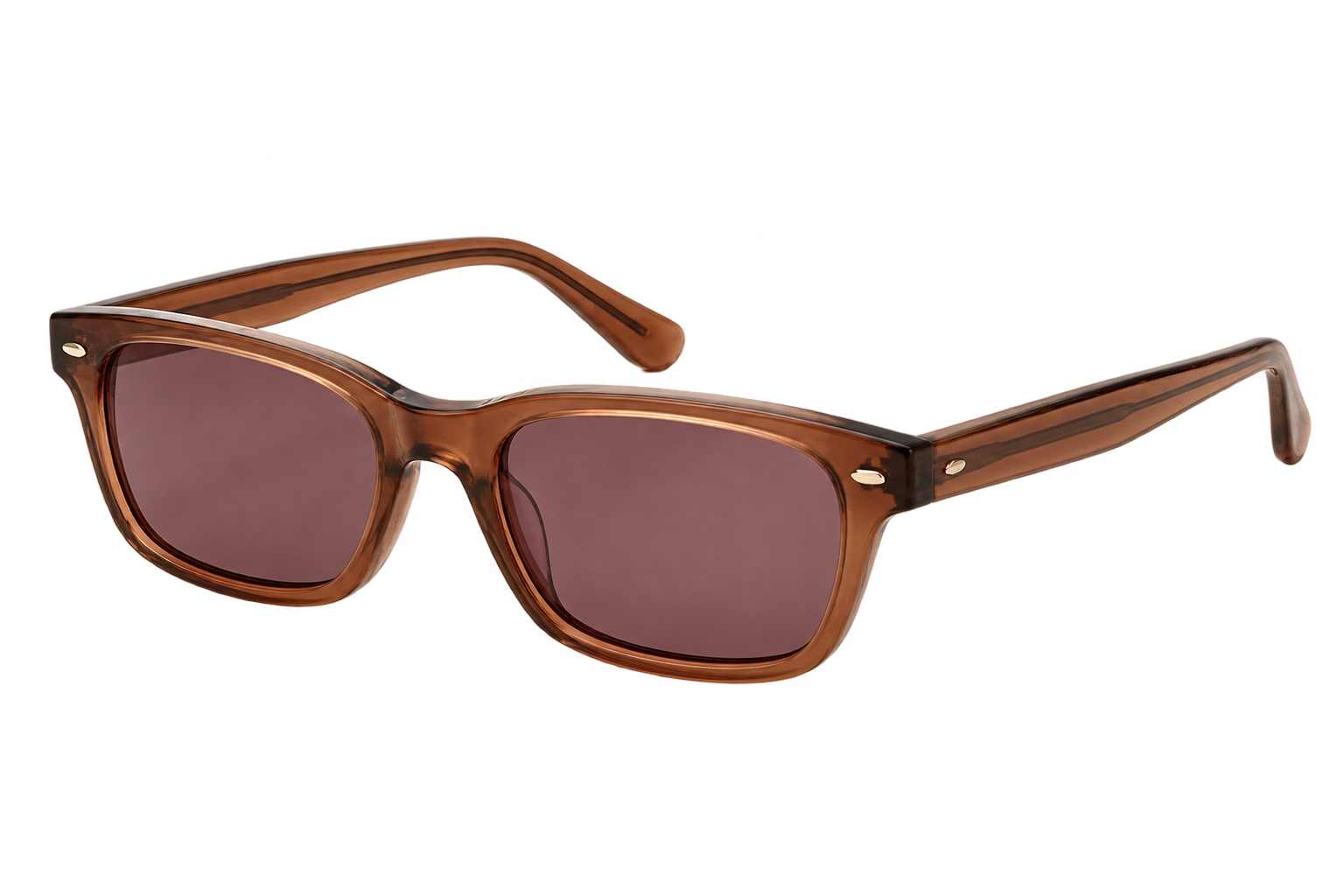 Sunglasses
Example references: the nubuck bag and burgundy sunglasses, separately. Review the placement
Check the available Format, Images, Resolution and total credit cost in Preview before generating.
- Open the result in Library and inspect the accessory’s shape, scale and placement.
- Compare small details with your reference before using the image.
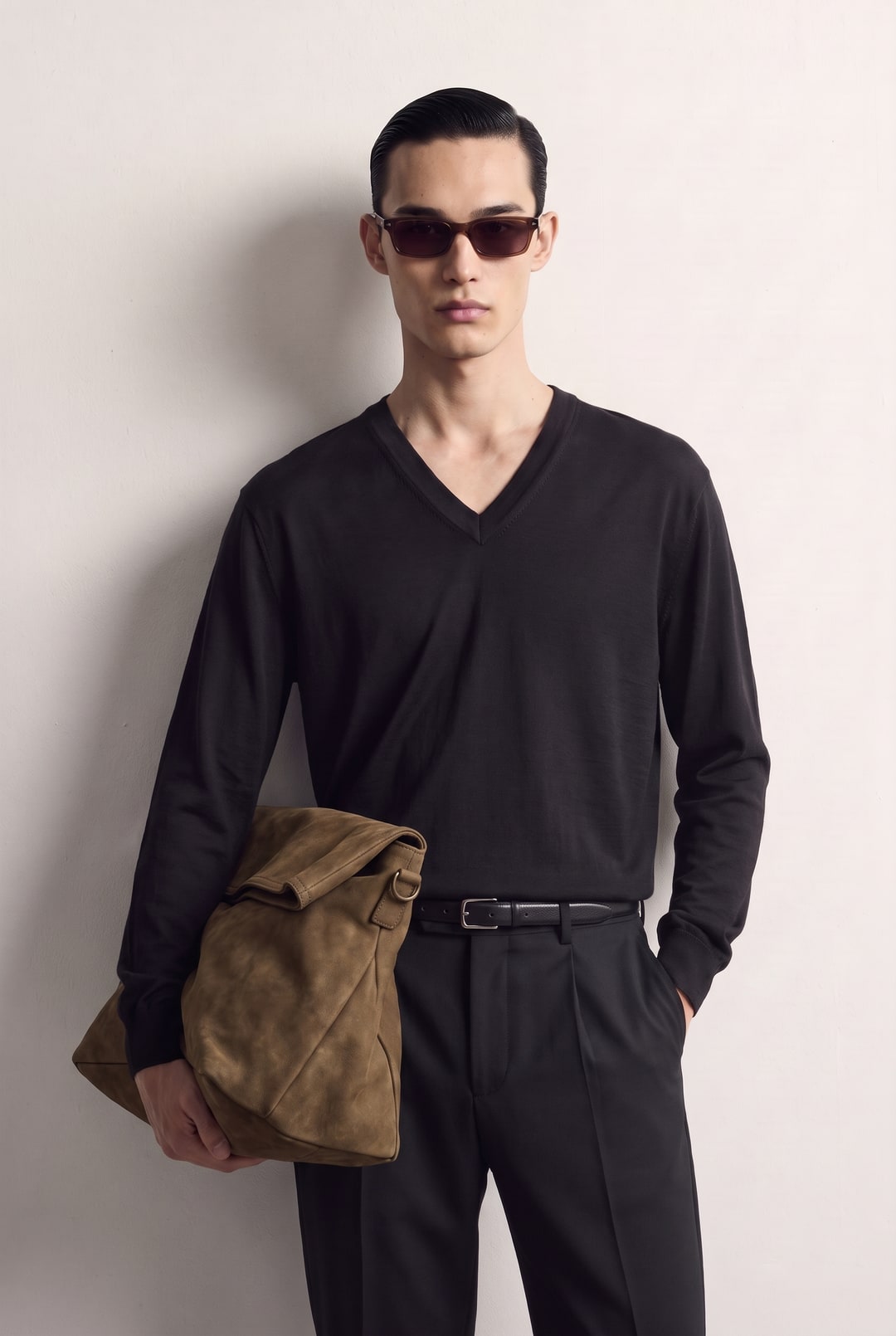
Illustrative result: the same black outfit with the bag and sunglasses. Add one main photo for each piece. Use Details for optional close-ups or another side of a piece only when that workflow supports them. Details are grouped on labelled guidance boards sent with your main photos. Exact details are not guaranteed. An attractive result is not proof that every product detail is accurate.