


Choose a model photo
Find a photo that makes the person and the clothing easy to see.
Before you start
- A photo you have permission to edit with AI and use for your project.
- An idea of the clothes and pose you want to show.
Show the area you want to style
Choose a photo where the body and clothing area are clearly visible.
- A front or three-quarter view is a useful starting point.
- Avoid hands, bags or other objects hiding the area you want to dress.
Choose a useful pose and light
Your starting photo influences the pose, lighting and mood of the result.
- Use even light so the person is easy to read.
- Choose a pose and framing that suit the look you want.
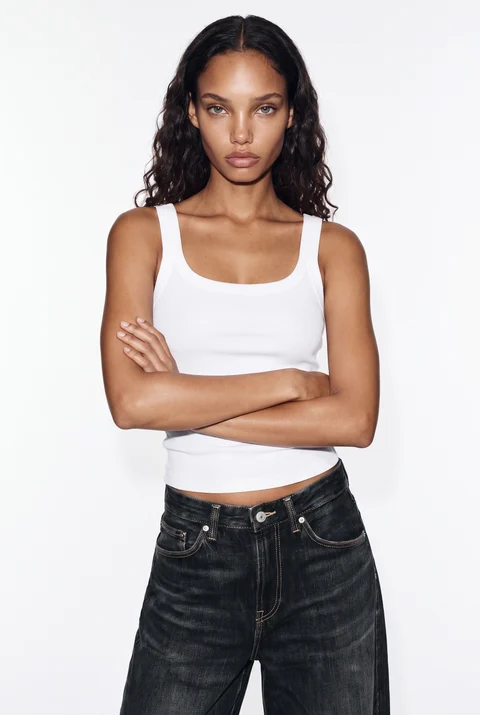
Example model photo: even lighting, a visible silhouette and no object covering the clothing area. Check the person in the result
After generation, compare the result with your source.
- Inspect the face, body, pose and clothing details.
- Review the image before using it for your project.