


Choose Nine Shots or Multi-Angle
Use Nine Shots for a directed story, or Multi-Angle to choose the views.
Before you start
- One clear image you have permission to edit and use.
- Decide whether you want a visual story or particular viewpoints.
Choose Nine Shots for a story
Nocta directs nine complementary images from your starting image.
- Explore portraits, movement, back views and details in one visual world.
- You do not select nine exact camera angles in this workflow.
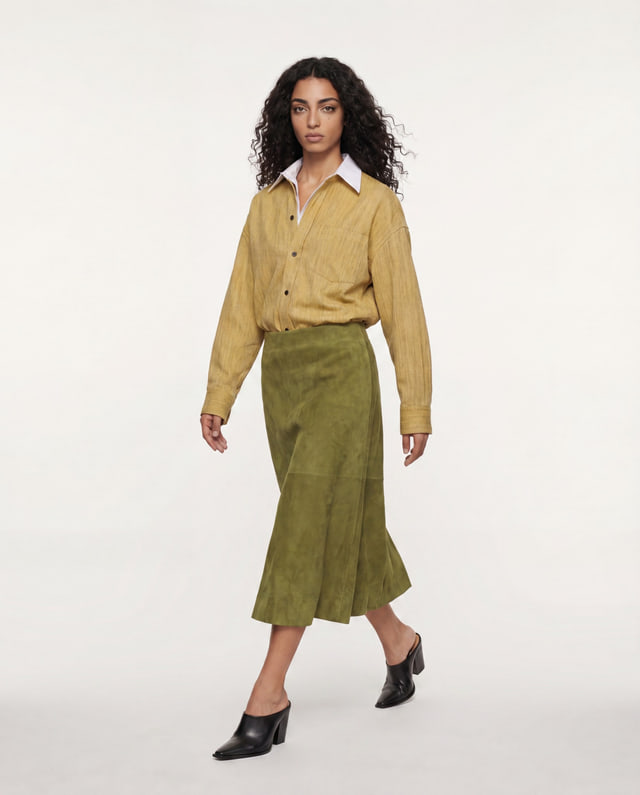 Movement
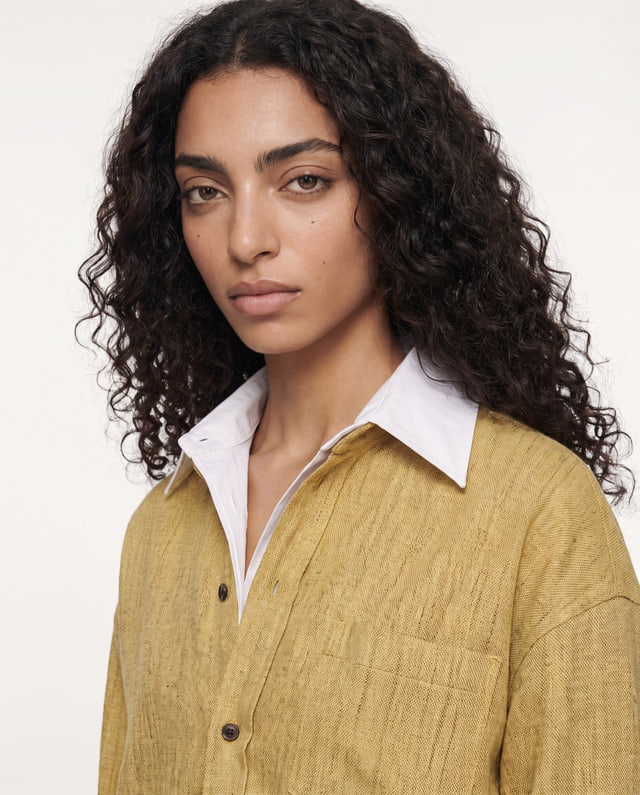 Portrait
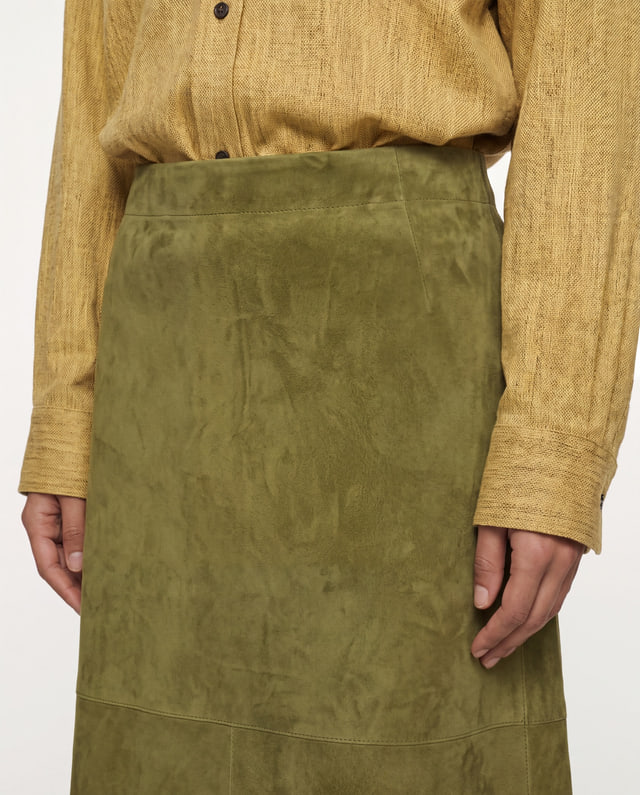 Detail
Illustrative frames from a Nocta-directed series. Choose Multi-Angle for specific views
Select the viewpoints you need from one source image.
- Choose front, side, back or other available views.
- Details hidden in the source are inferred and may vary. Compare them with the real product.
Review before reusing an image
Inspect the results in Library before using them.
- Check the person, clothing and consistency across the series.
- You can choose a saved result as a new source. This starts another paid operation, not an automatic transfer.