


Your first Nine Shots series
Turn one starting photo into nine complementary fashion images.
Before you start
- One clear source image you have permission to edit and use.
- Enough credits for the complete nine-image series; the cost is shown in Preview.
Add your starting photo
Open Nine Shots and add one photo from your device or Library.
- Choose a look, pose and lighting you want to build on.
- For a new photo, confirm that you are authorised to use it for AI edits.
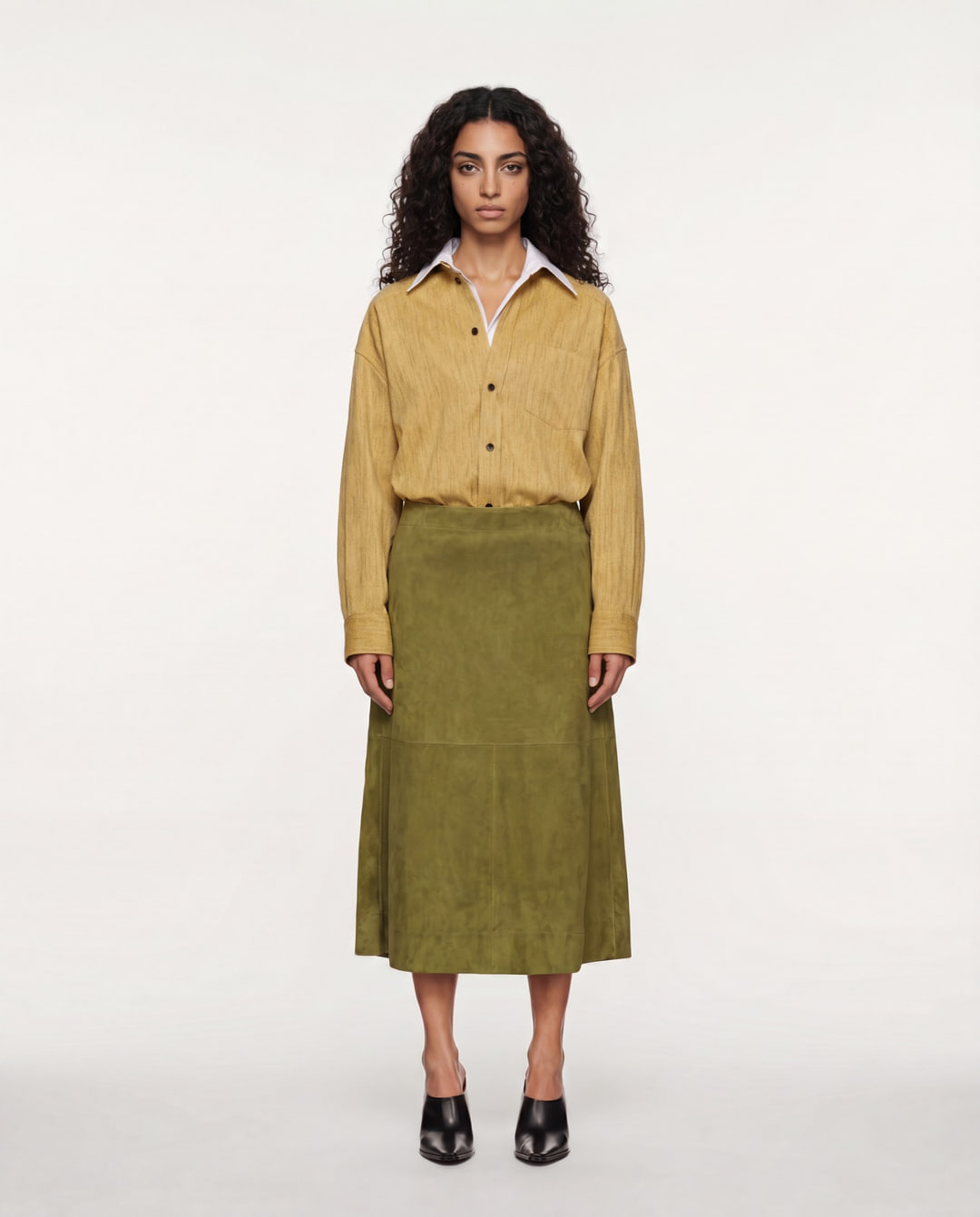 Source
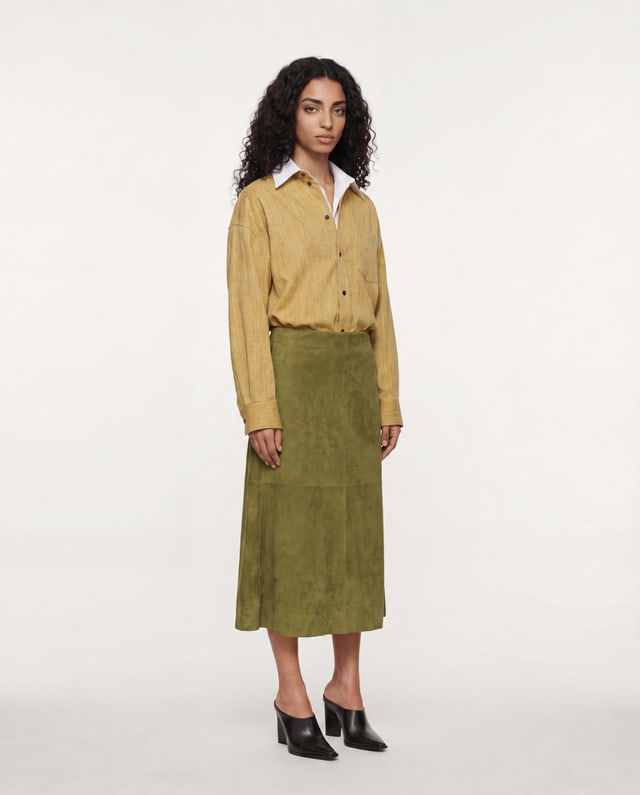
Example source: the mustard shirt and olive skirt that anchor this series. Review your series
Nocta directs the nine shots. You do not need to choose camera angles.
- Choose Format and the available Resolution in Preview.
- Check the total credit cost for all nine images before pressing Generate.
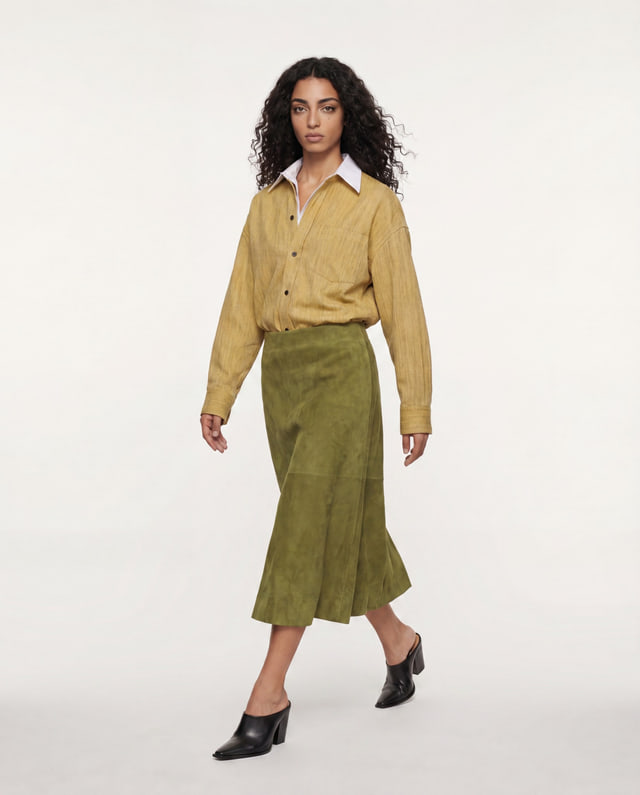 Movement
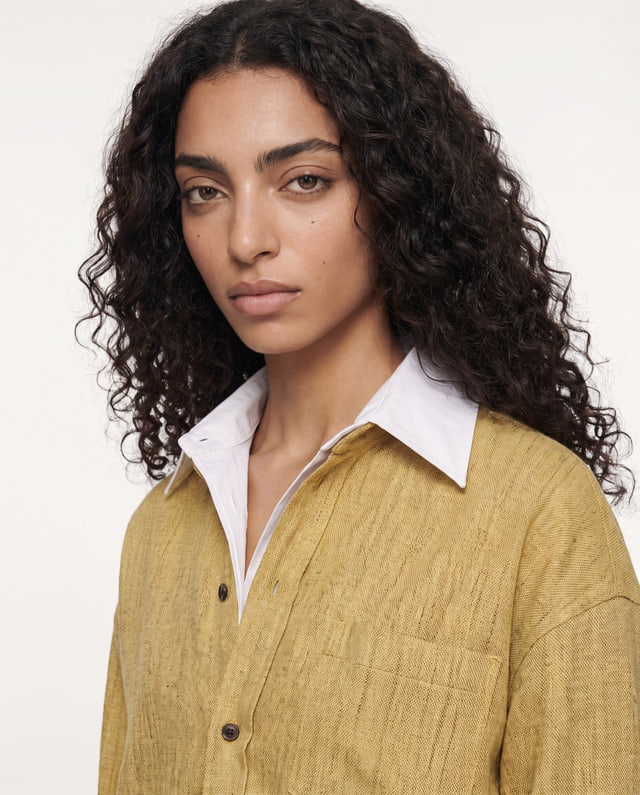 Portrait
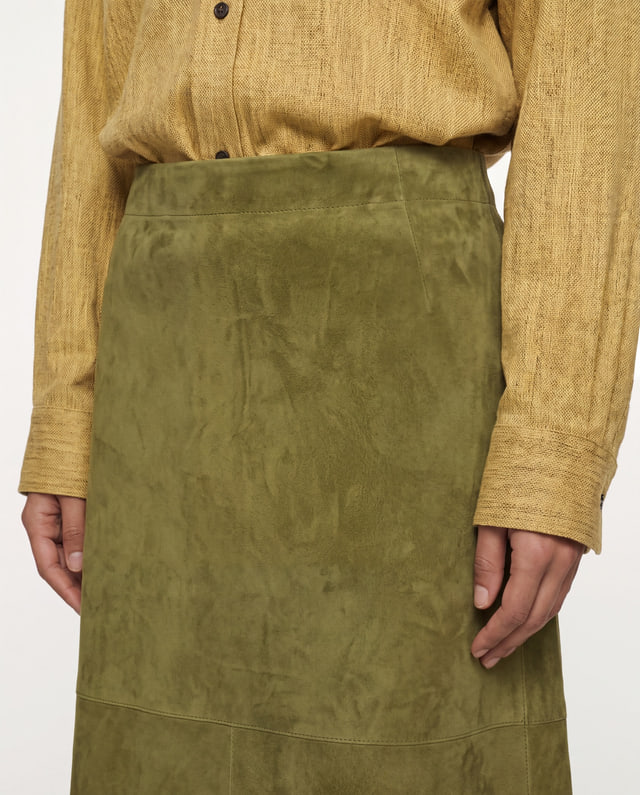 Detail
Illustrative story: movement, portrait and detail, directed by Nocta rather than selected as angles. Check all nine results
Open your results in Library and compare them before using them.
- Check the face, clothing, colour and important product details in each image.
- A new generation is another paid operation. Improve your source if an important detail is wrong.
Movement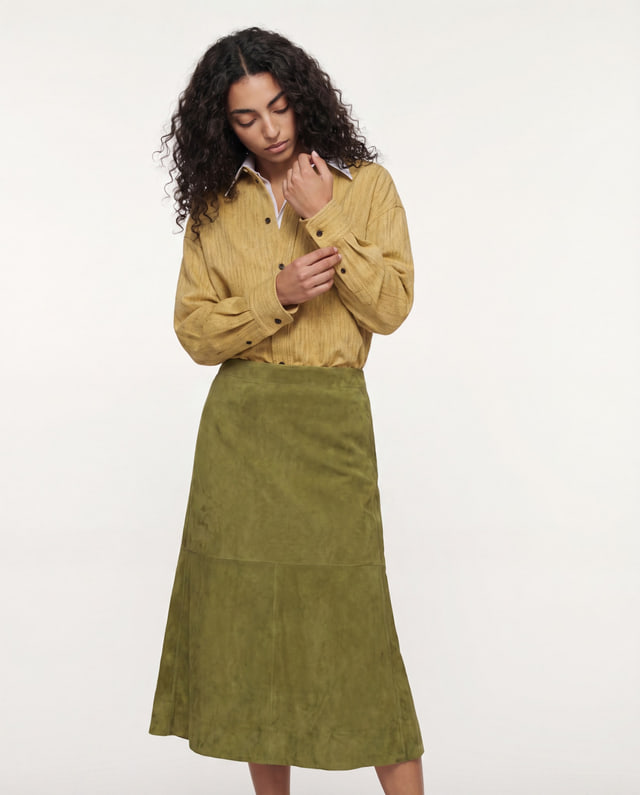 CandidPortrait
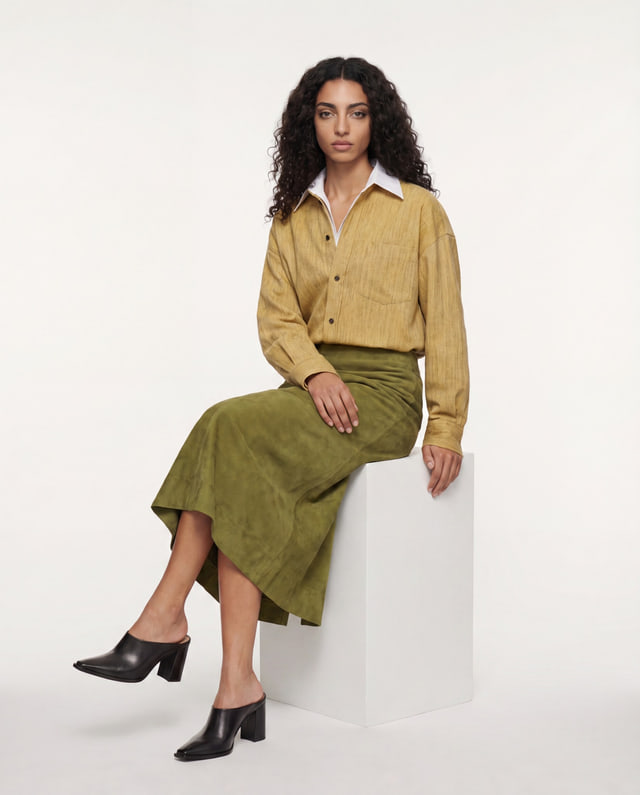 SeatedSource
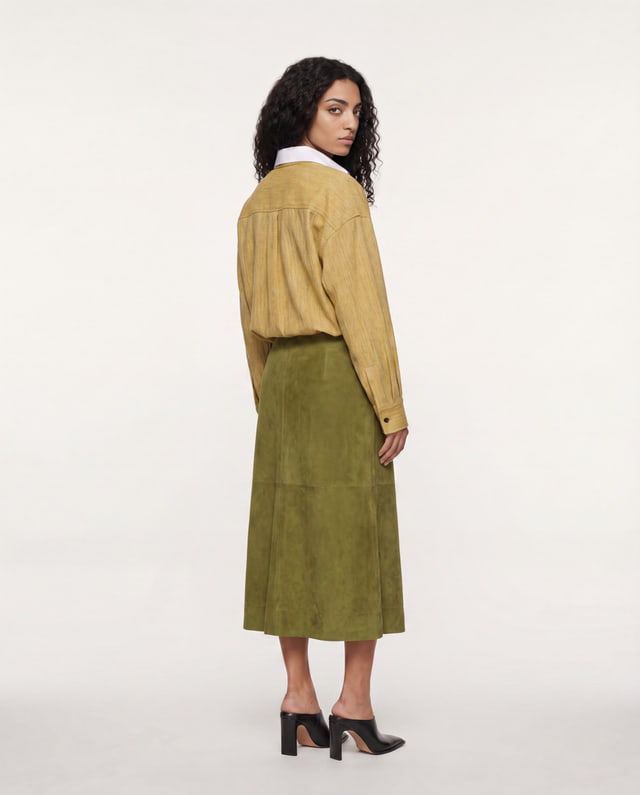 BackDetail
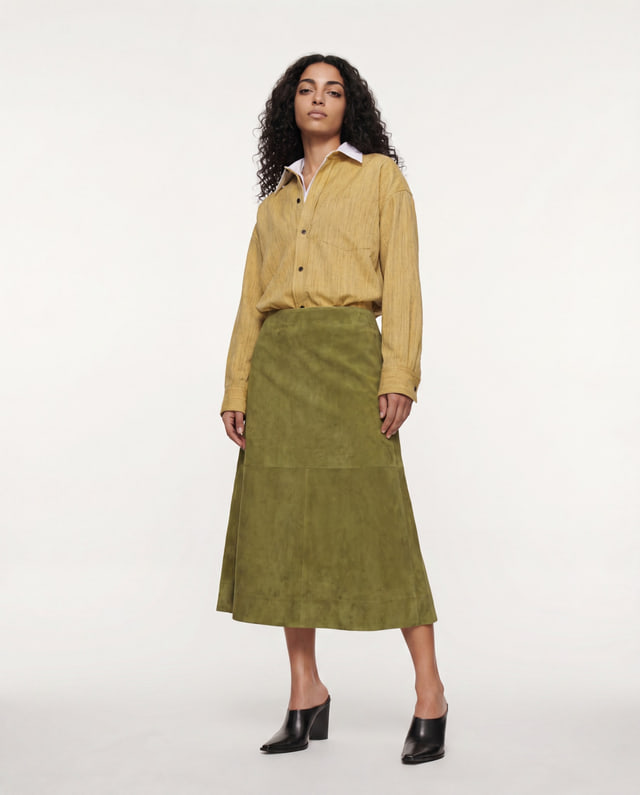 Power
 Three-quarter
Illustrative nine-frame board: the source in the centre and eight complementary views.