


Check back and side views
Choose one useful source and know which details need a closer check.
Before you start
- One clear source image you have permission to use.
- Real product photos to compare with the result; these are not extra workflow uploads.
Choose one useful source
Use an image that clearly shows the person and product.
- Multi-Angle accepts exactly one source image.
- Extra back or side reference images cannot be added to this workflow.
Select views you can assess
Choose the available views that are useful for your project.
- Read the notice for less reliable views before generation.
- A back or side detail missing from the source has to be inferred.
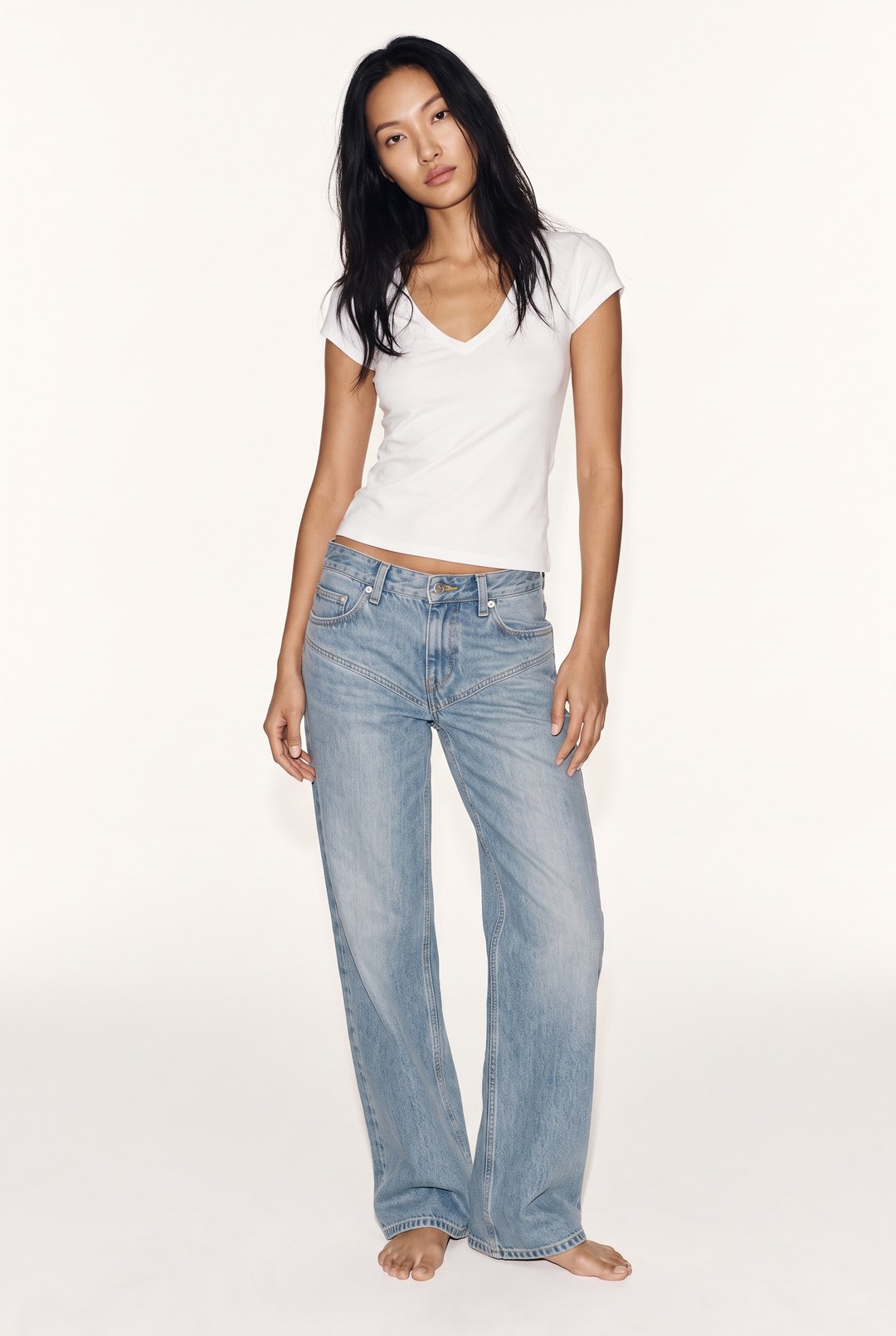 Front
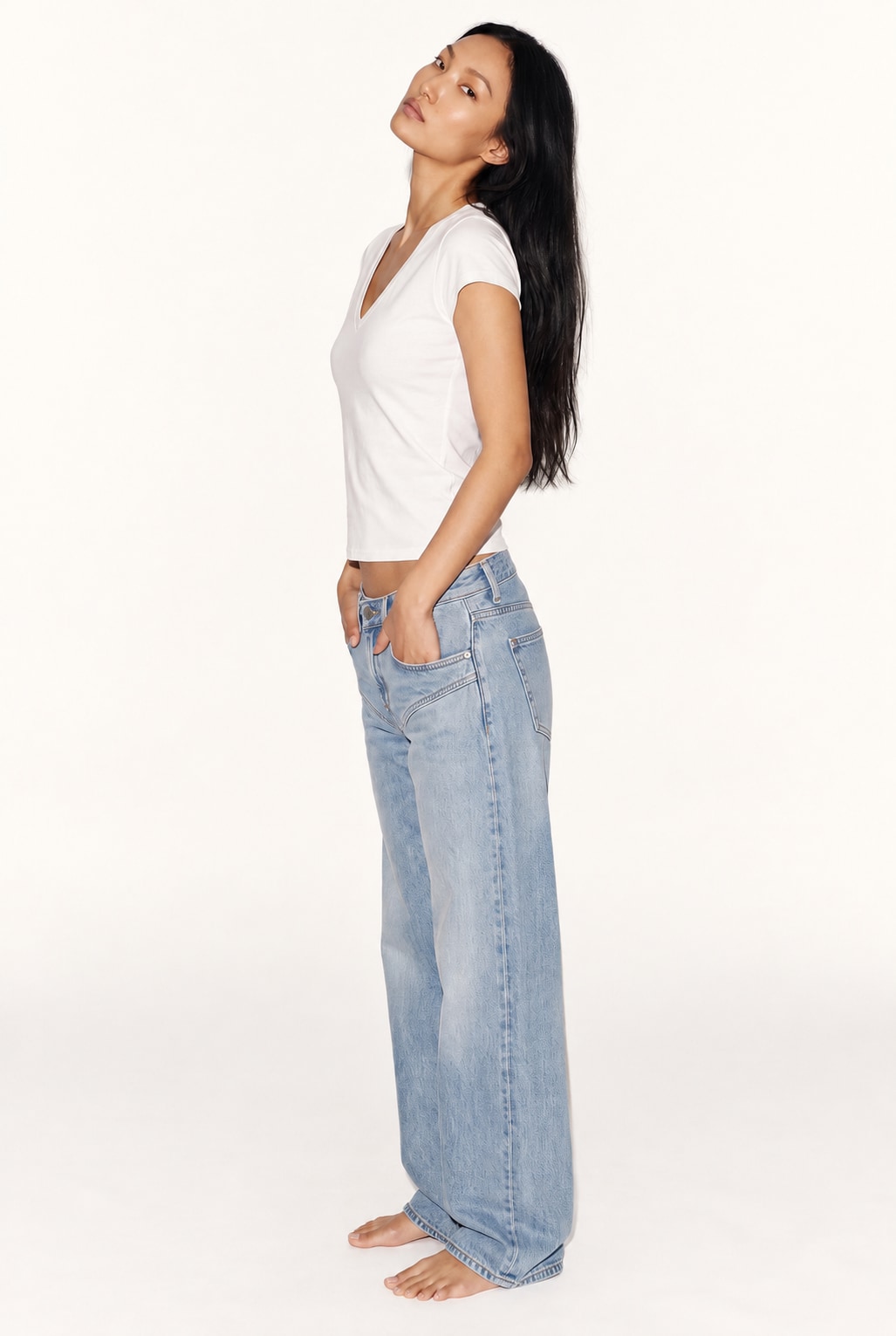 Side
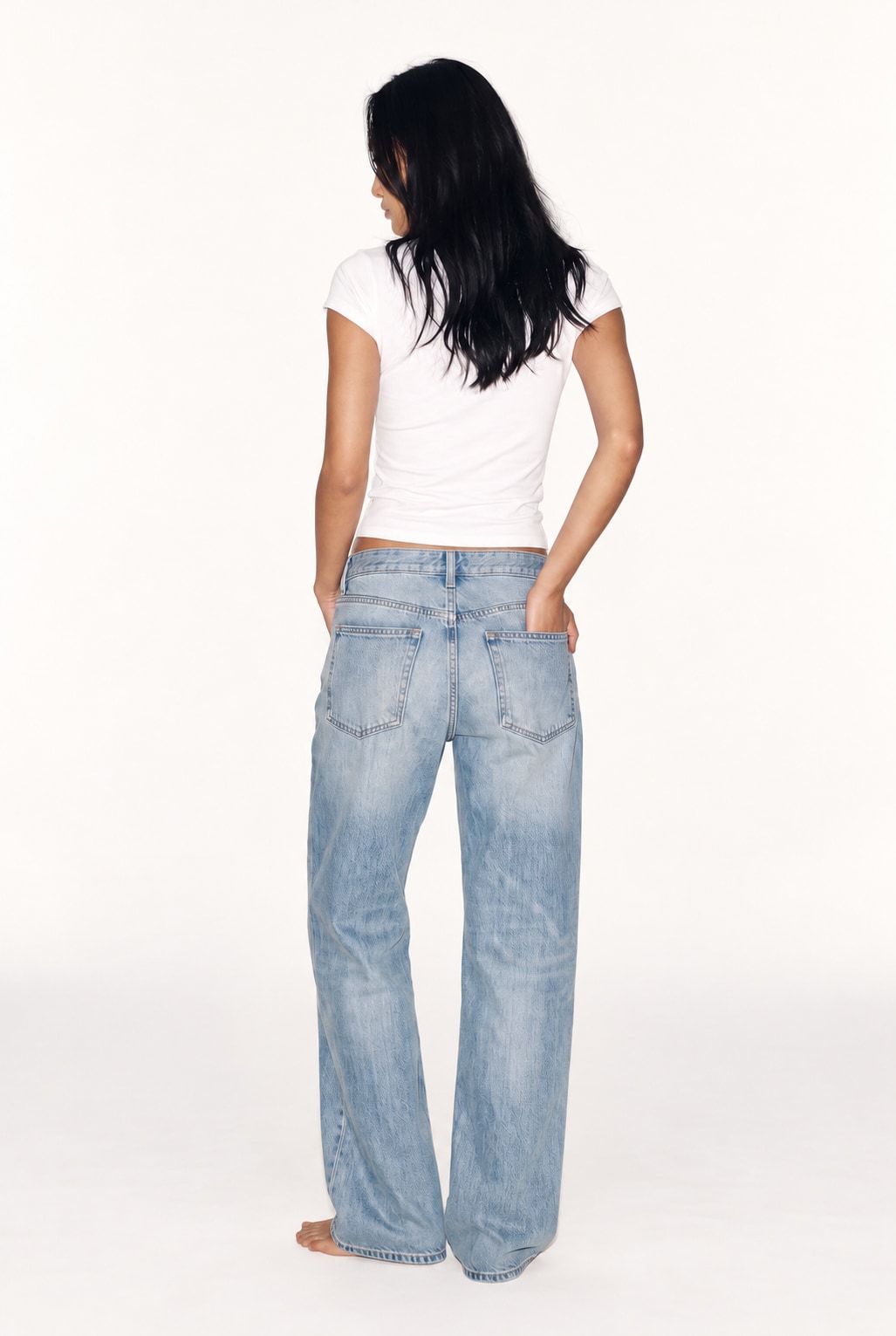 Back
Illustrative front, side and back views of the same look, not verified photographs of hidden product details. Compare every result
Check each generated view against your actual product.
- Inspect seams, logos, shape and details that were not visible in the source.
- Do not present a changed or invented detail as a real product feature.
For an accepted request, credits are returned only when the server confirms that no generation took place. If the outcome is uncertain, the credit remains charged because no safe refund could be confirmed; the request is kept for verification, not automatically retried. A completed result that needs creative changes is not automatically refunded.