


Your first Multi-Angle views
Choose the views you need from one photo of your model and outfit.
Before you start
- One source image you have permission to edit and use.
- Real product photos to check any details that are hidden in your source.
Add one source photo
Open Multi-Angle and choose your photo from your device or Library.
- Use a clear photo showing the model and the look.
- This workflow accepts one source, not separate front and back reference uploads.
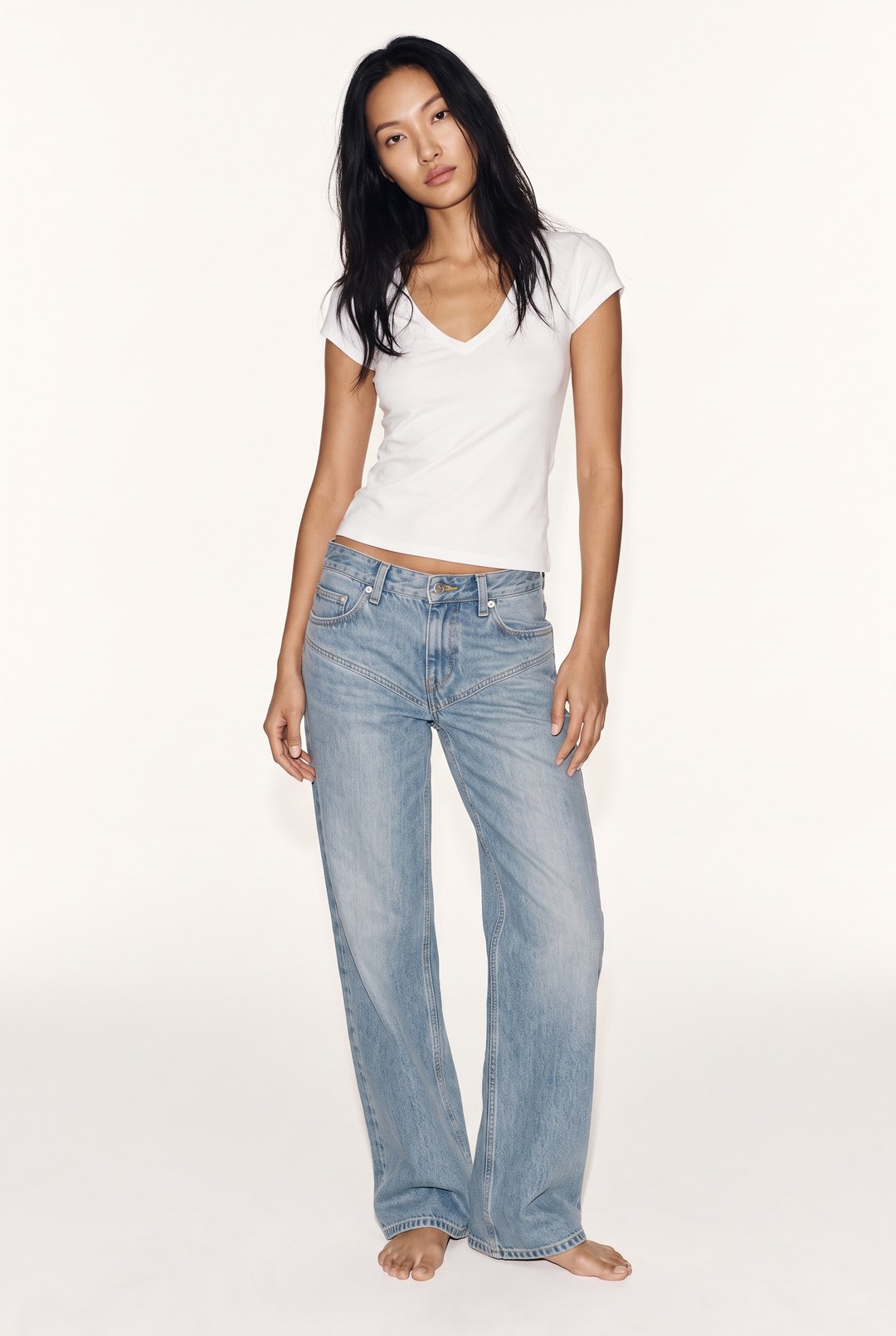 Front
Example front reference: one model, one outfit and one source image. Choose your views
In Views, select the viewpoints that are useful for your project.
- Choose from the available front, side, back, poses and detail views.
- Review your selection and read the notice for less reliable views.
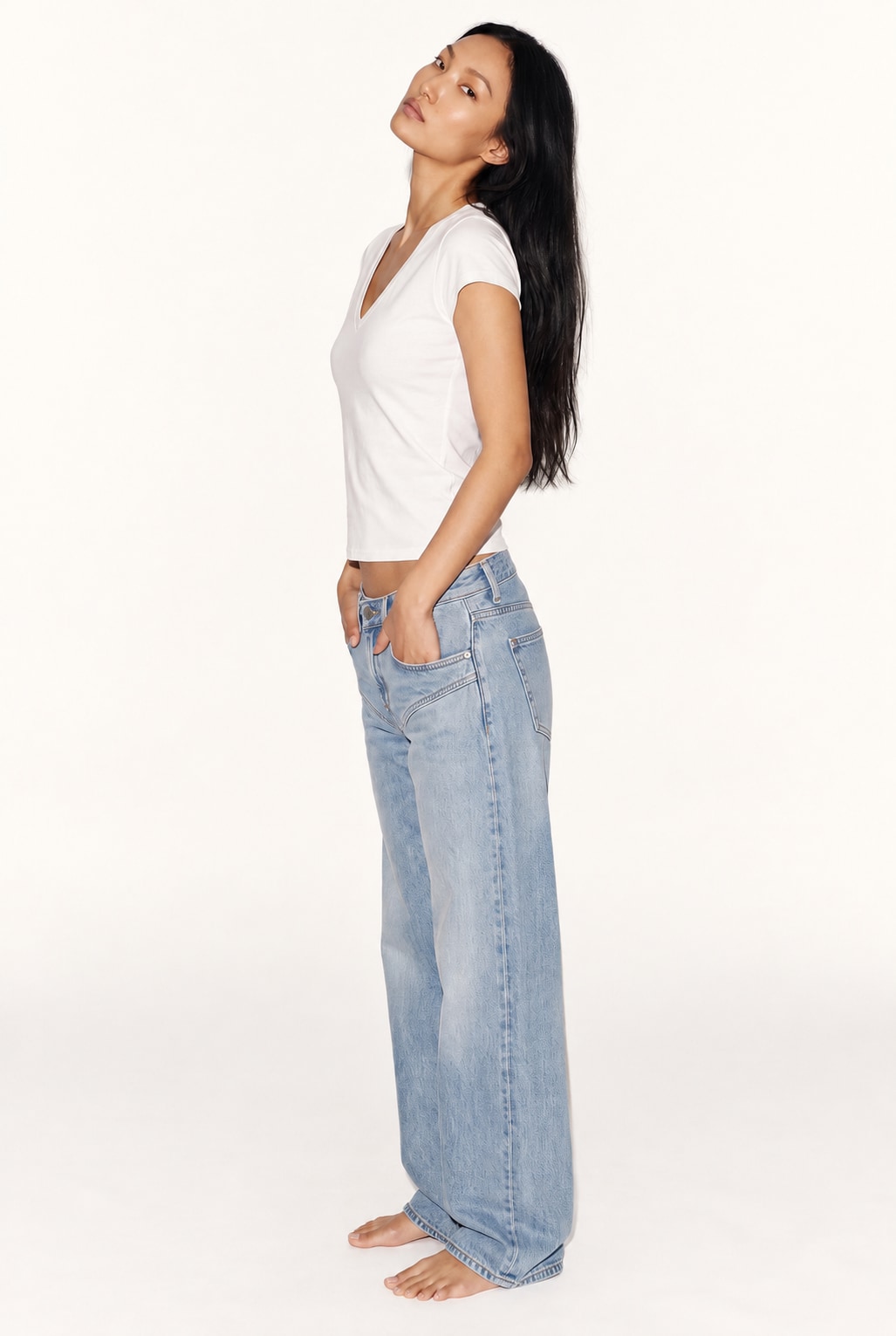 Side
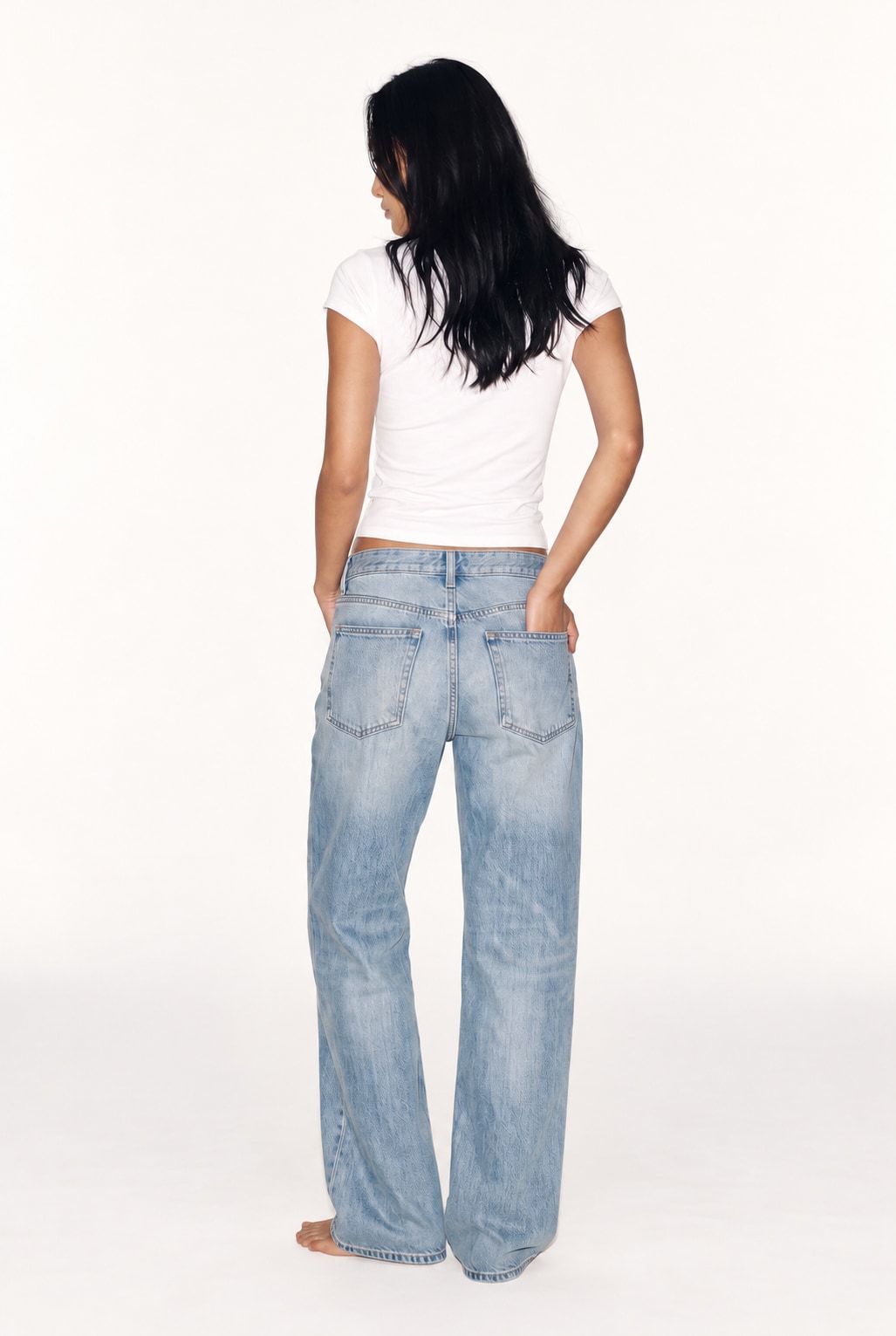 Back
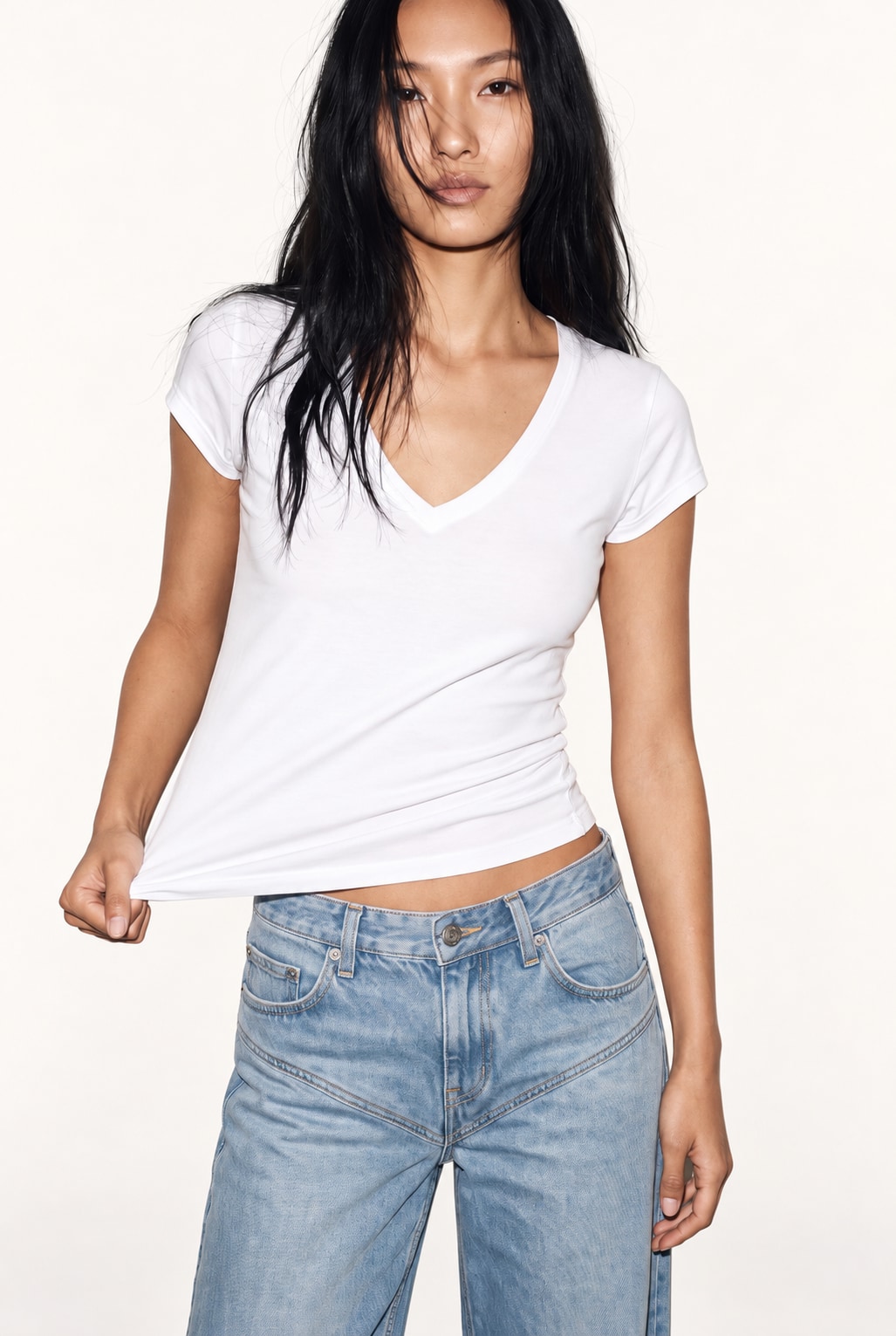 Detail
Illustrative view examples: side, back and detail. Select the views you need in Views. Review and inspect
Check your format, resolution and total credit cost in Preview, then generate.
- Use Resolution to choose an output available to your plan.
- Inspect each result in Library against your real product photos.
- Check seams, logos and any details that were not visible in your source.
FrontSideBackIllustrative front, side and back results of the same look. Hidden details still need checking.